

Turn your expertise into video courses people finish
Download the free PDF handbook and learn how to create high-quality video courses for internal training, keep students engaged and grow your business
- A simple, no-stress plan to organize and structure your courses
- Easy tools and templates for professional videos
- Tested tips that keep learners engaged to the last lesson
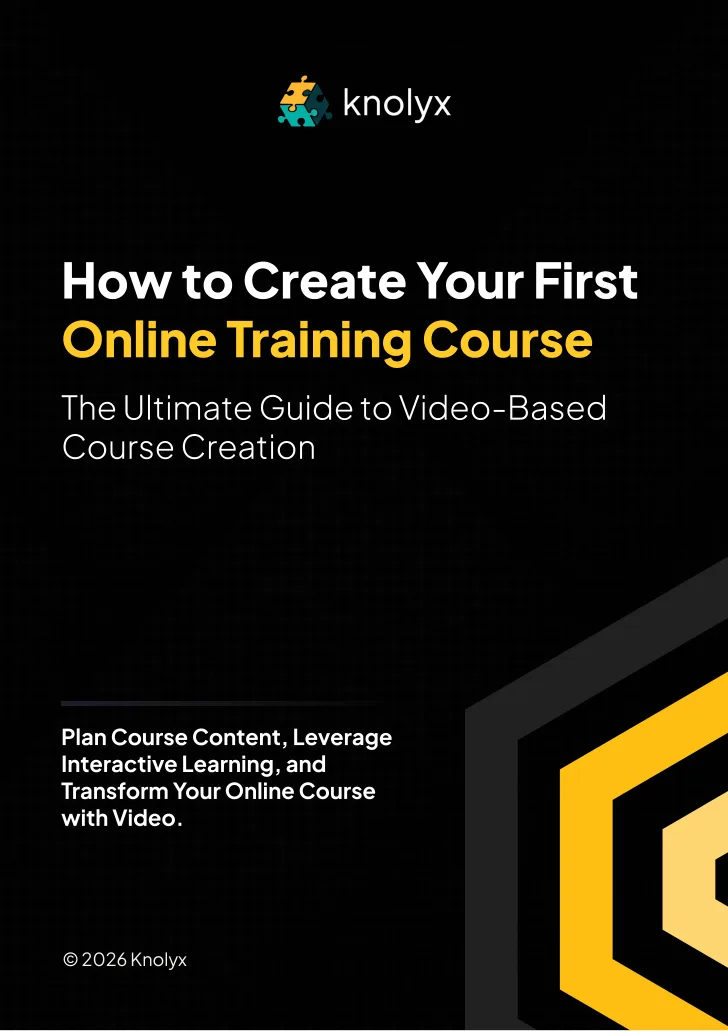
You’ve got the know-how. Turning it into a good video course is the hard part
Where do you start? Which tools do you need? How do you keep students engaged? The handbook answers these for professionals ready to make an impact who want a clear path.
With this guide you will:
- Plan and build a course that is organized, easy to follow and built to last
- Record video lessons that feel natural and professional, even if video is new to you
- Deliver a course that keeps learners motivated and coming back
This handbook is for you if you have knowledge to share but feel stuck, have struggled with video production or engagement before, want training that connects with people, are ready to grow your training business, or want internal training that applies to real work
Six templates and checklists in one PDF
- Course planning templateA fillable template to outline structure, organize modules and define learning objectives
- Video creation checklistRecording step by step: equipment setup, lighting, audio and editing
- Course material organizerGather handouts, quizzes, infographics and video into one streamlined system
- Interactive learning guideWays to add quizzes, discussions and assignments that lift engagement
- LMS upload and setup checklistUpload and organize content in your LMS, including navigation and tracking
- Course review and launch guideTest the course, gather feedback, refine and launch to your audience
Launch your first video course with confidence
A short overview of how the handbook takes you from idea to an effective video course
Questions buyers ask first
Get your free Course Creation Handbook
Click below to get the guide and start building courses that captivate students and grow your business
Questions about the handbook
What exactly will I get with the Knolyx Video Course Creation Handbook?
A comprehensive, step-by-step guide to planning, creating and launching an engaging video course, with templates, checklists and proven strategies from start to finish.
Do I need prior experience in video production or course creation?
Not at all. The guide is written for every skill level, with simple, actionable steps for creating professional video courses.
What tools will I need to follow this guide?
The guide recommends affordable, beginner-friendly tools for recording, editing and organizing your content. You need a few essentials, which we list for you.
How long will it take to create my course using this guide?
It depends on the depth of your content, but the 7-step plan gives you a structured path to get the course running efficiently.
Will this guide help me if I’m already running a course?
Yes. It covers improving video quality, raising student engagement and refining course structure for better results.
Can I use this handbook to develop internal training programs for my team?
Yes. It guides you through structuring, recording and launching courses that transfer knowledge and keep your team motivated.
Why choose the Knolyx LXP/LMS?
Our learning and community platform offers engaging, accessible learning experiences, rated among the best eLearning platforms on G2 and Capterra